



Turn Microsoft Dynamics into your contact center desktop.
Brings Cisco Contact Center routing and call control into Microsoft Dynamics. With b+s Connects, customer context and contact center controls live in the same workspace your agents already use every day.
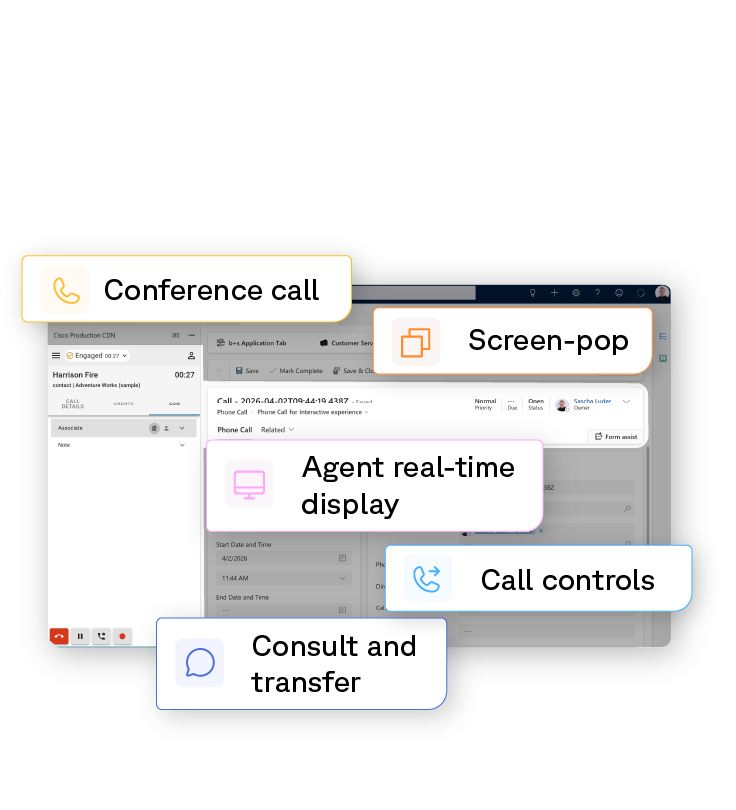
What b+s Connects does inside Microsoft Dynamics.
Microsoft Dynamics is built to maintain the customer relationship and run the service workflows that depend on it. b+s Connects empowers the routing and call handling it's already been engineered for, turning Dynamics into the dedicated agent workspace.
Inbound and outbound in the same workspace.
Click-to-call from any record or campaign list, with Cisco Contact Center routing and placing the call underneath. Inbound calls land against the same records the same way. Activity history shows both directions in one timeline, so whoever picks up that customer next has the actual record of what was said and when.
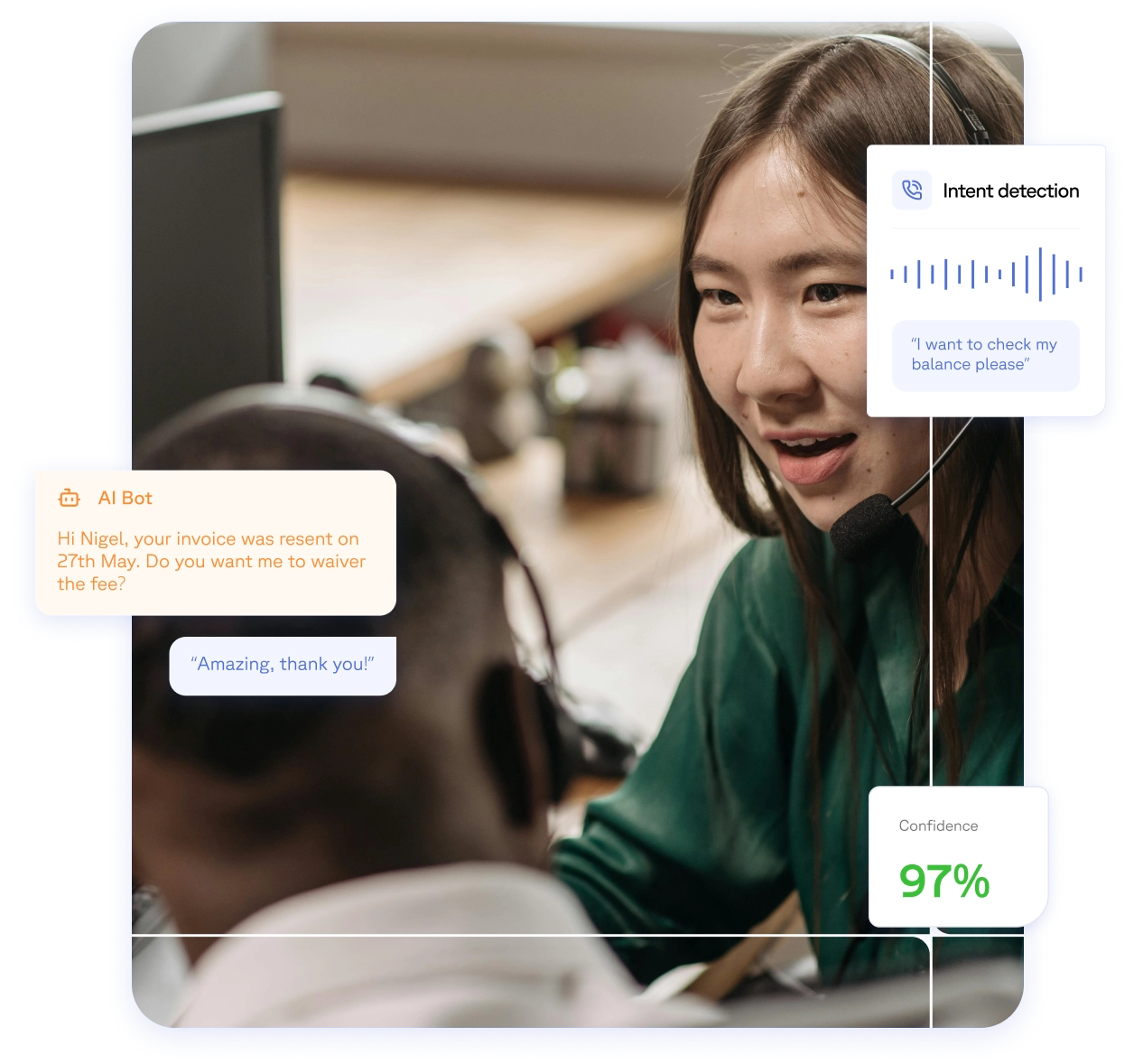
Less time spent looking things up.
b+s Connects displays matching contact and any related open work. A new case can be created automatically from the interaction itself if one is needed. That way the first thing the customer hears isn’t a question they’ve already answered.

One workspace where there used to be two.
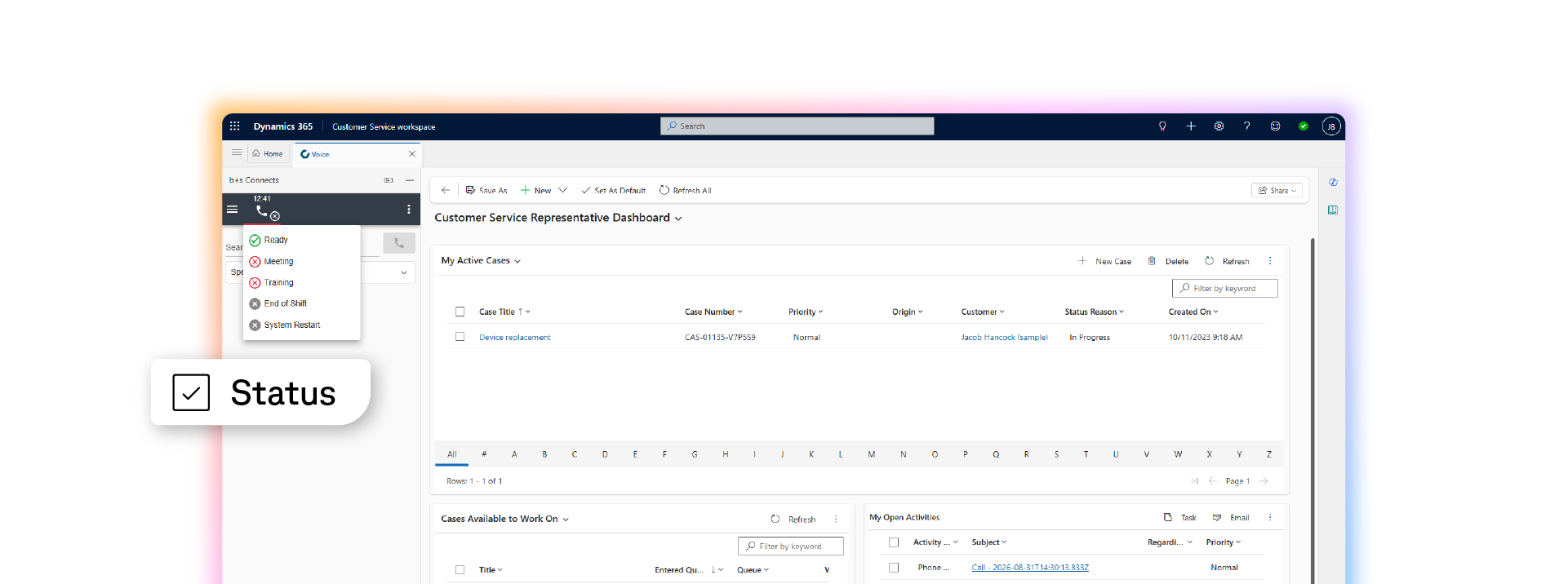
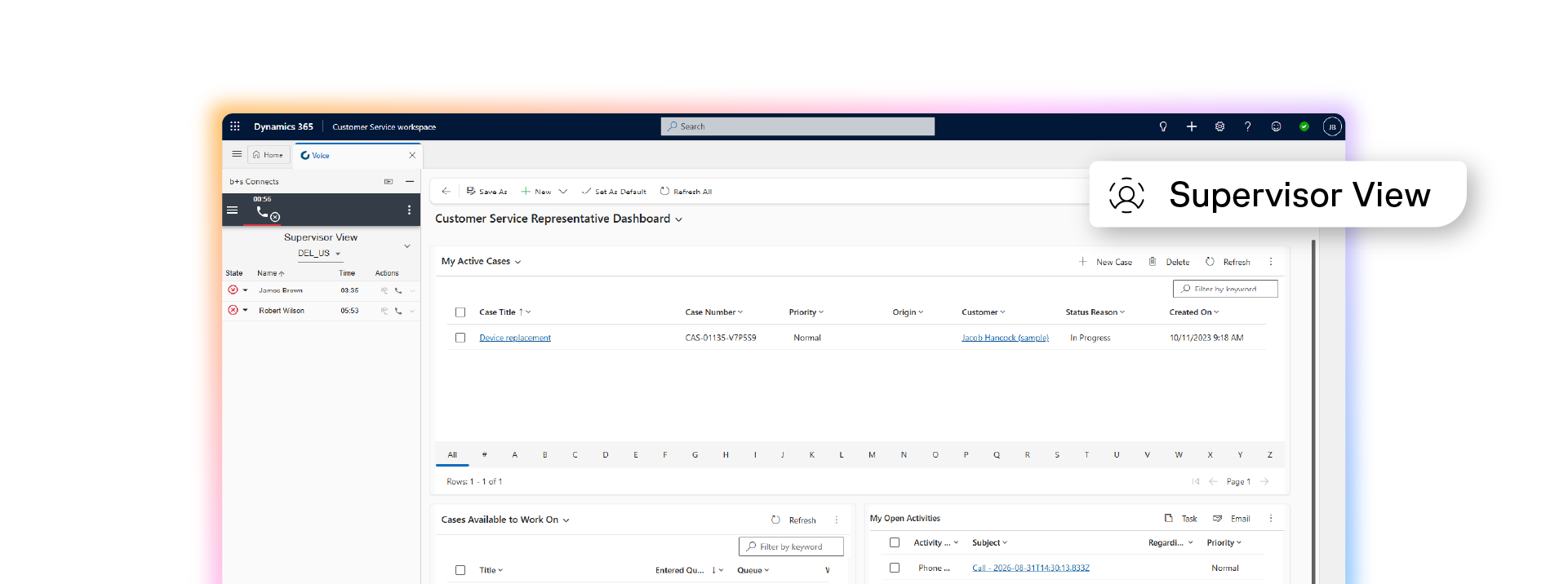
b+s Connects brings Finesse and Dynamics into a single surface. Call control becomes a set of Dynamics actions. Cisco Contact Center keeps running the same routing logic underneath. The agent just doesn’t have a second window open for it anymore.

Adaptable to platform change.
While Cisco Contact Center and Microsoft Dynamics continue evolving, your integration stays stable. b+s Connects is continually updated based on new versions of Cisco Contact Center and is supported through Microsoft’s Dynamics platform updates.

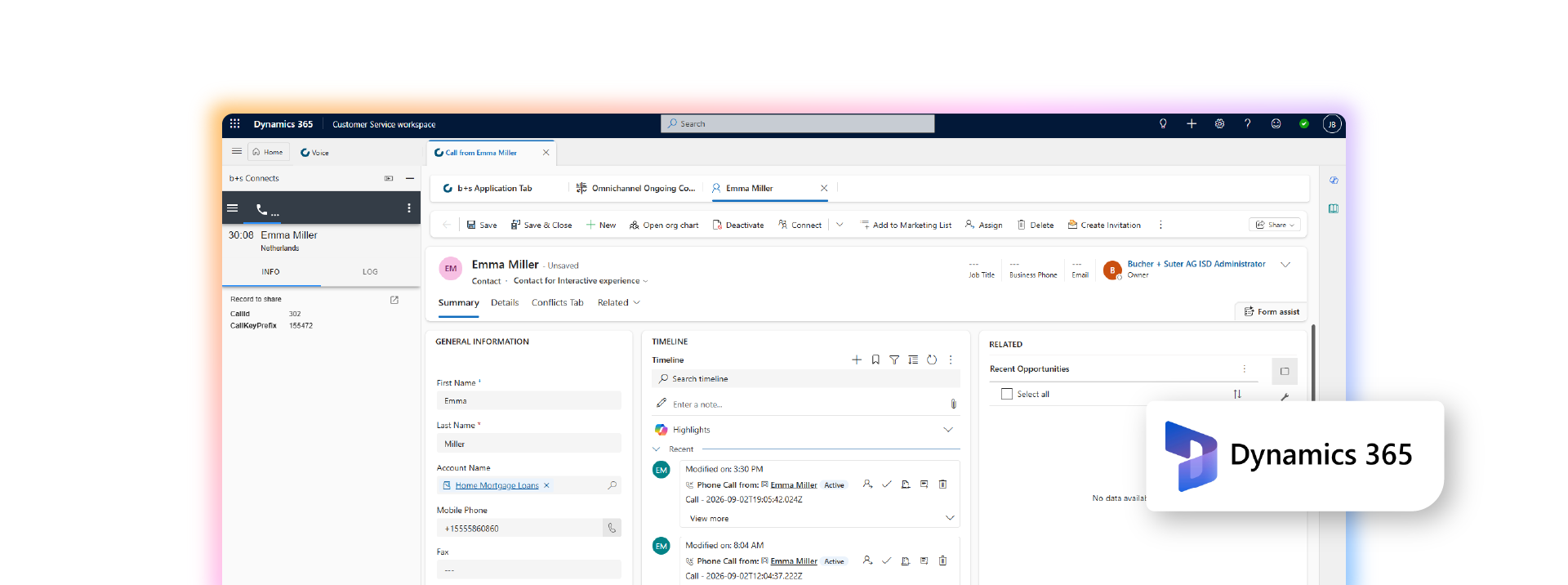
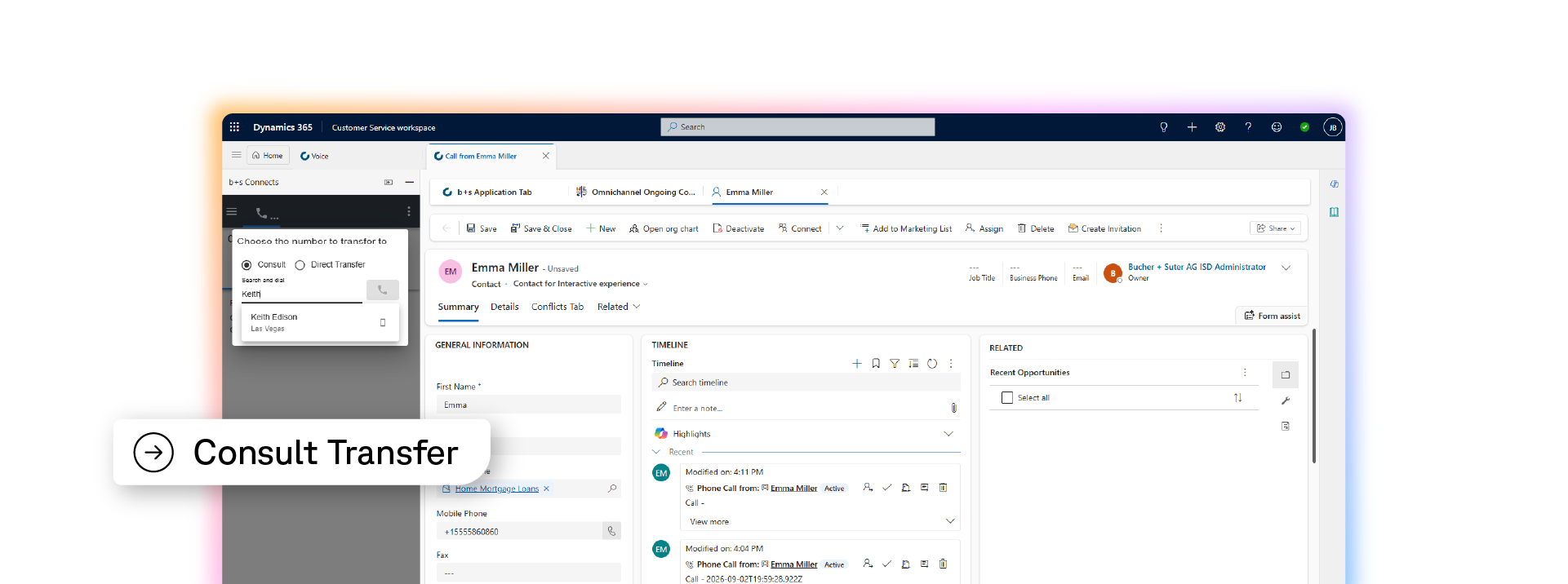
Microsoft Dynamics CRM Screenshots




Frequently asked questions
Microsoft Dynamics contact center integration brings customer data, contact center controls, and agent workflows into the same workspace. With b+s Connects, agents can manage Cisco Contact Center interactions inside Microsoft Dynamics instead of working across separate applications.
b+s Connects brings Cisco Contact Center routing and call control into Microsoft Dynamics. Microsoft Dynamics becomes the agent workspace, while Cisco Contact Center continues to manage the routing and call handling underneath.
Yes. Agents can receive inbound calls and use click-to-call from Microsoft Dynamics records or campaign lists. Both inbound and outbound activity appears in the customer’s timeline, providing a shared record of previous interactions.
When an interaction arrives, b+s Connects displays the matching contact and related open work in Microsoft Dynamics. If a case is needed, one can be created automatically from the interaction, helping agents begin the conversation with relevant information already available.
b+s Connects brings Cisco Finesse and Microsoft Dynamics into one agent workspace. Call controls become Microsoft Dynamics actions, while Cisco Contact Center continues to run its existing routing logic in the background.
Yes. Cisco Contact Center continues to manage the routing logic underneath the integrated Microsoft Dynamics workspace. The integration changes where agents handle calls and access customer information without replacing the routing already running in Cisco.
Yes. The integration can display related open work when the interaction arrives and automatically create a new case from the interaction when one is needed. This connects contact center activity more directly to the service workflows managed in Microsoft Dynamics.
The page states that b+s Connects is continually updated based on new Cisco Contact Center versions and supported through Microsoft Dynamics platform updates. This is intended to keep the integration stable as both platforms evolve.